
Get Started With Director
Congratulations on your upcoming graduation ceremony! This page will help you get set up with your equipment and understand how to use the Tassel Director software.
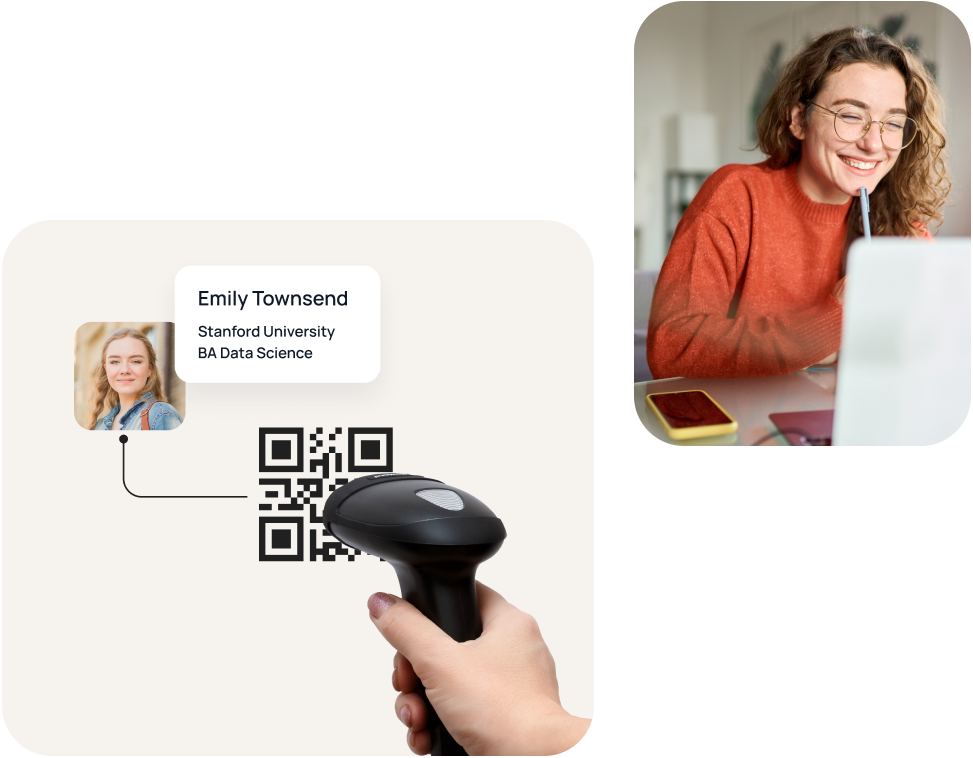
Next Steps: Practice Using Your Gear With Sample Software
Follow the links below to learn more about your equipment:


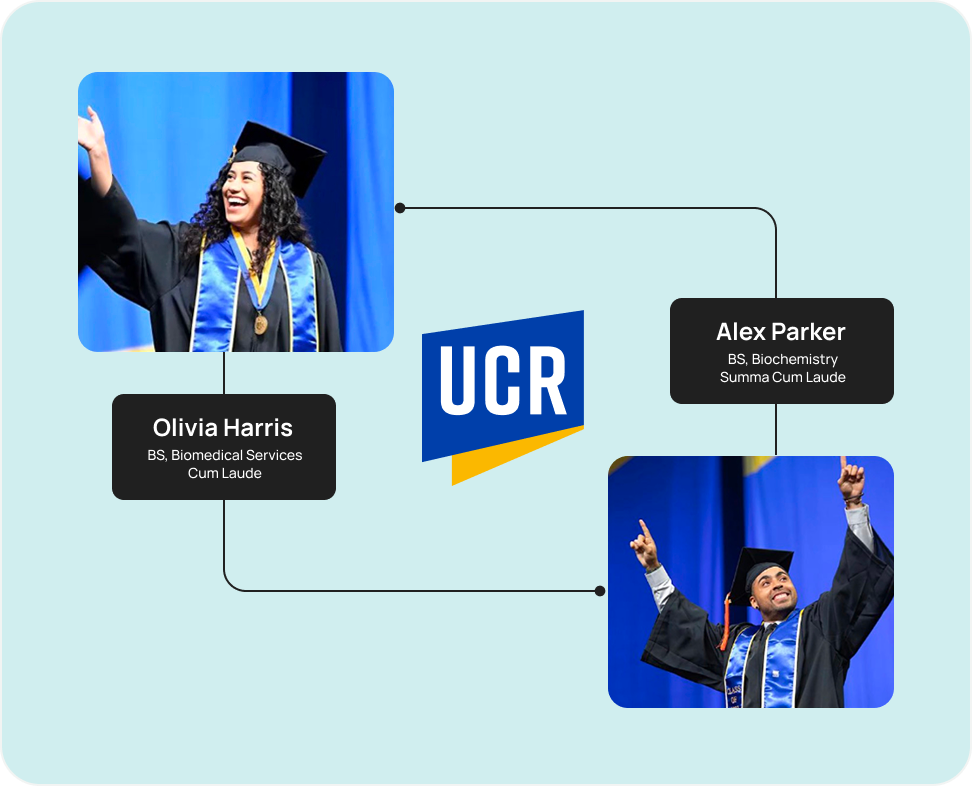
Dual Line Ceremonies
Tassel has already prepped your ceremony gear for single-line ceremonies and slideshows. If you are running a dual line ceremony, you will need to re-calibrate your QR scanners for dual.
View Dual Line Setup InstructionsYour Ceremony Software
Once your customized ceremony software is ready, we will share a download link via email and through your Tassel Hub to your ceremony coordinator.
Downloading and Installing Your Ceremony Software